Run and adjust the timer
Start, pause, add time or remove time without interrupting the guest-facing display.
Your timer, hints, scenes, sounds, room display and game history finally work together. Game Host gives every game master one calm, clear place to run an unforgettable game—from any device.
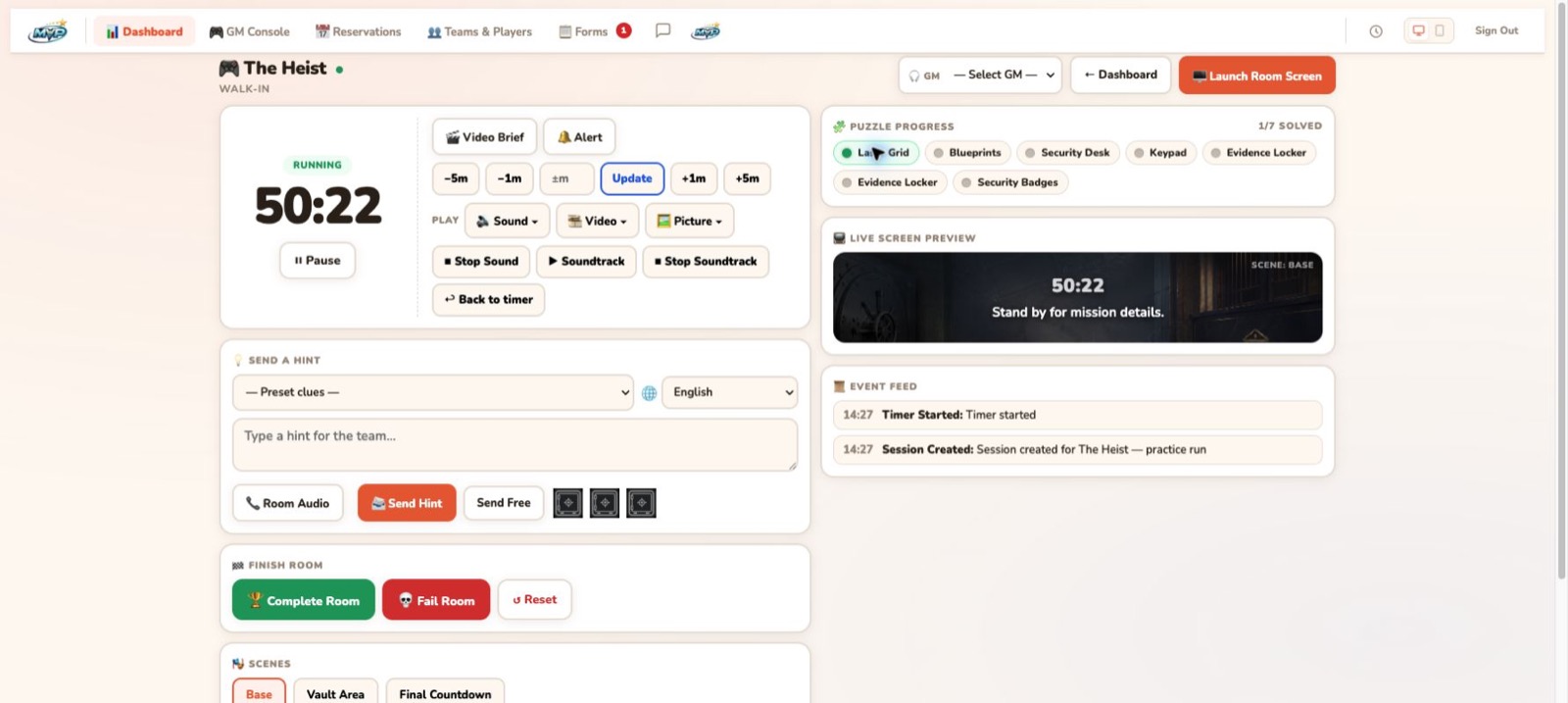
Game Host keeps the controls that matter together, so a new game master can understand the room faster and an experienced GM can respond without hunting through disconnected tools.
Start, pause, add time or remove time without interrupting the guest-facing display.
Choose room-specific clues, write a custom message or track a spoken hint with one tap.
Launch scenes, sounds, soundtracks, pictures and video from the same game screen.
A live event feed records the important moments so the GM always knows the current game state.

The live dashboard prepares the room, Game Host keeps the experience moving, and EscapeMVP carries the result into the rest of your operation.
See today’s rooms, upcoming teams, party size and waiver readiness before guests walk through the door.
Launch the room, start the timer and control hints, scenes, sounds and the guest-facing display.
Adjust time, return to the timer, change scenes or reset the experience when the room needs human judgment.
Record the result, complete the room and keep the team’s experience connected to follow-up and reporting.
These aren’t extra tools for your game masters to manage. They replace the little interruptions, workarounds and screen switching that make a busy shift harder than it needs to be.
Open it once and keep the guest experience separate from the GM’s controls. The next game flows into the same room screen.
Move from the opening scene to the vault, final countdown or any stage you build specifically for that room.
Run room audio, soundtracks, pictures and video from the same console that controls the timer.
Give game masters clear, room-specific controls for the actions they perform over and over during a shift.
Train a new GM or test a room without creating a reservation or changing customer performance statistics.
Run the same interface from a computer, tablet or phone when the game master needs to move around the venue.
Standalone room-control software stops when the clock reaches zero. EscapeMVP connects the live game to reservations, waivers, player history, results, reporting and the follow-up that brings a team back.
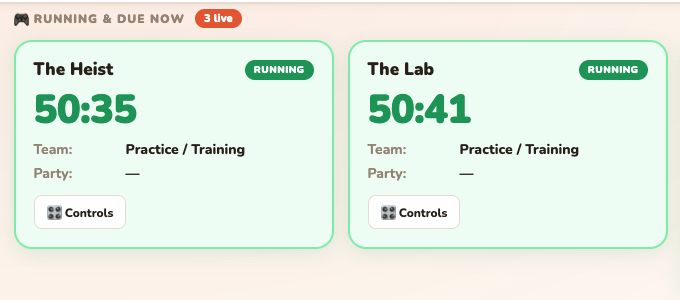
Choose the EscapeMVP path that fits your booking setup. Either way, your team receives the same Game Host command center.
Start with the booking system you already use—or move the entire operation to MVP+. Game Host is ready either way.